Data Integrations
Shopify Tracking Pixel
To add the StrutFit tracking pixel to your Shopify store, you will need to install the StrutFit Shopify app. which will also create and activate the StrutFit tracking pixel for you.
You can do this in either of two ways:
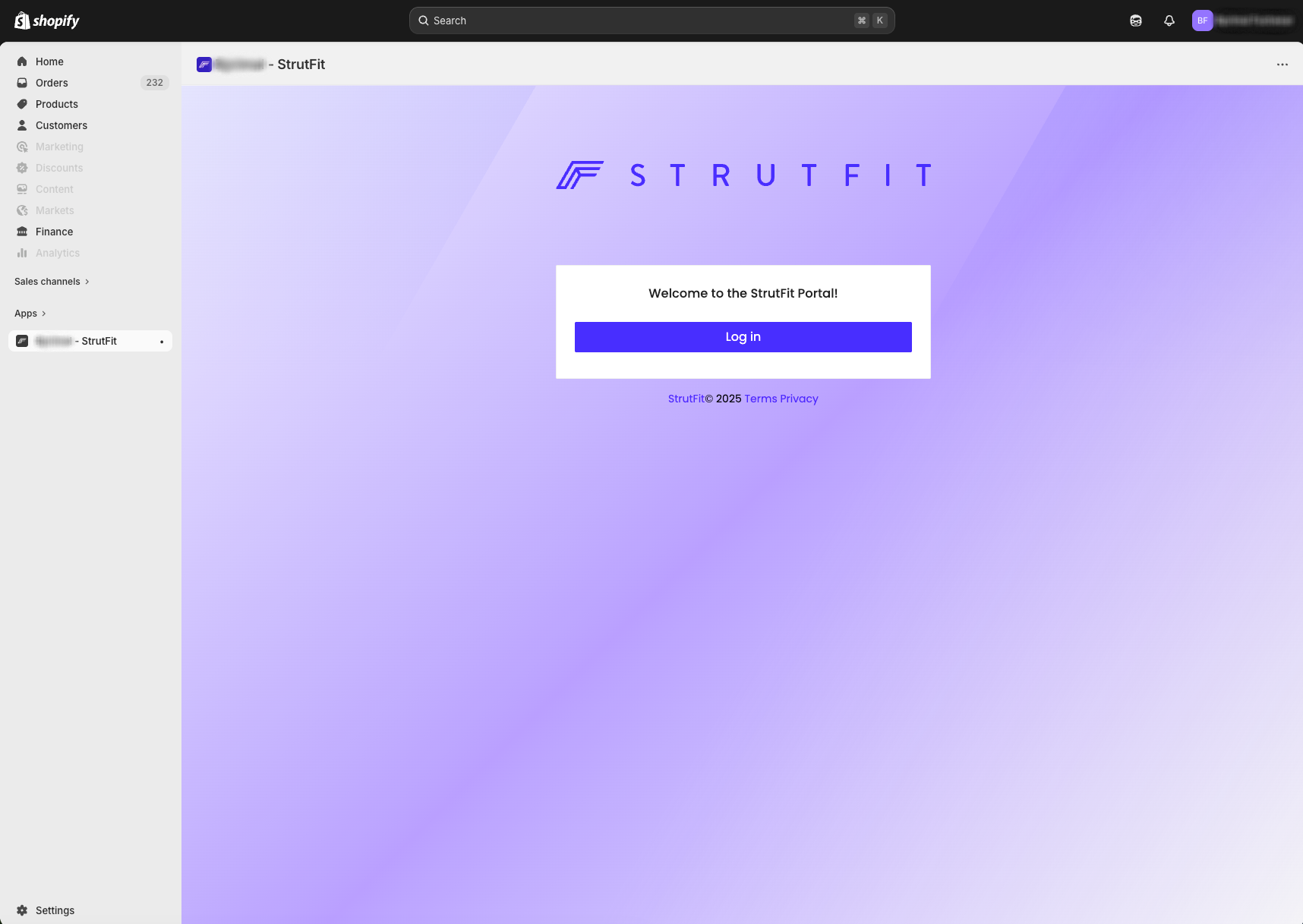
To install the StrutFit Shopify app, all you need to do is get an install link from your StrutFit account manager and paste it into your browser while logged in to your Shopify store. You will then see a screen like the one shown below where you may log into the StrutFit dashboard.
You do not have to login to the StrutFit dashboard to complete the installation, once you reach this screen the install is complete.